Smart light wood stove temperature indication
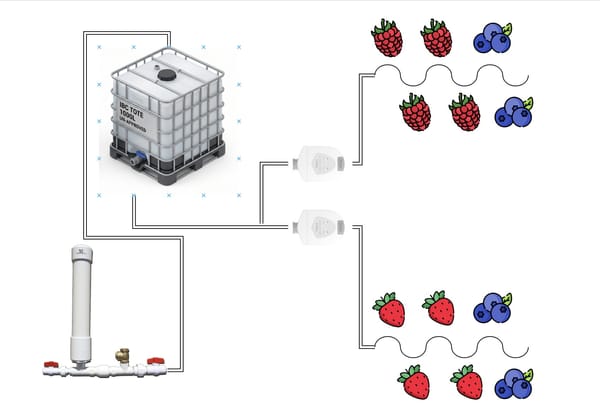
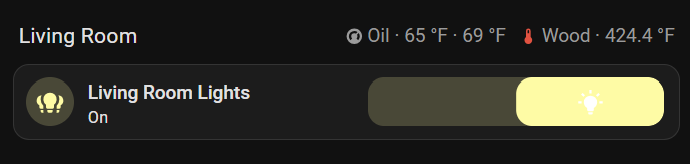
Last year, I installed a K-type thermocouple in my wood burner's stove pipe, right above the fire box. Combined with an ESP8266 and ESPHome, this setup lets me keep tabs on the efficiency of my burn. I use it religiously to determine when to cut my primary air off when starting a fire and when to reload the stove later in a burn. I have a small read out right above my main living room card on my main dashboard.
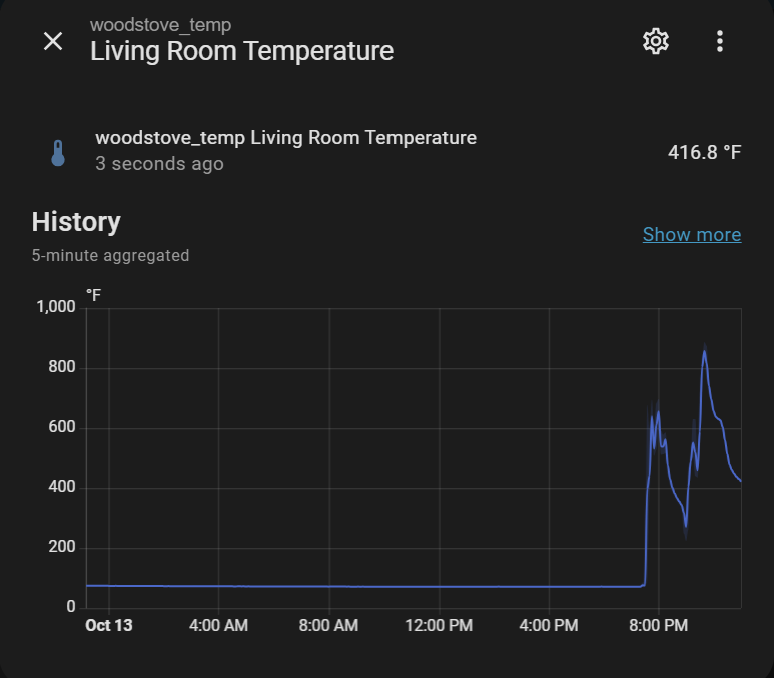
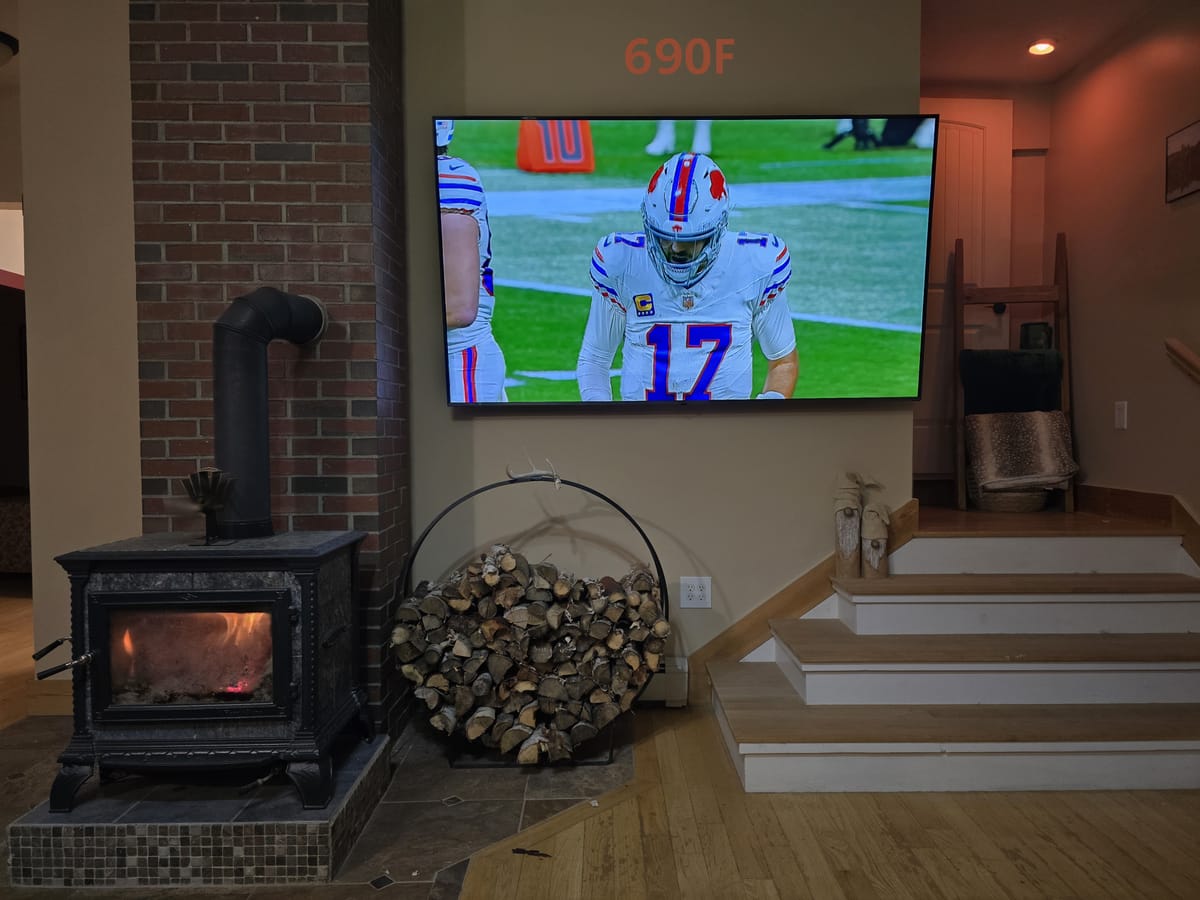
This has been super handy and helped me dial in my stove use, but particularly when a fire is just getting rolling and temperatures are increasing quickly, it is a bit of a pain to keep bringing my phone out. To remedy this, I repurposed a seldom-used smart light in the living room to give me a visual indication of stove temperature.
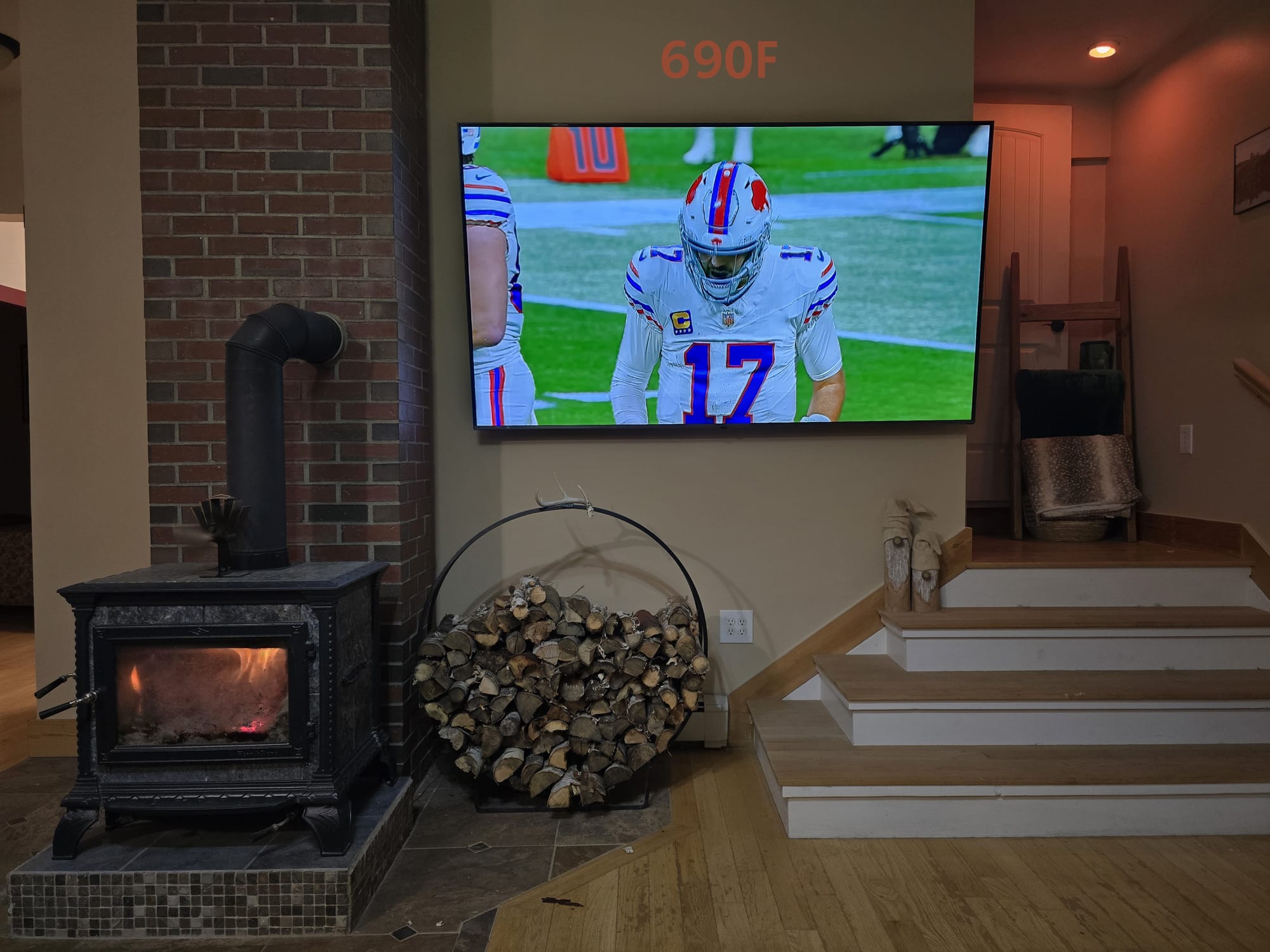
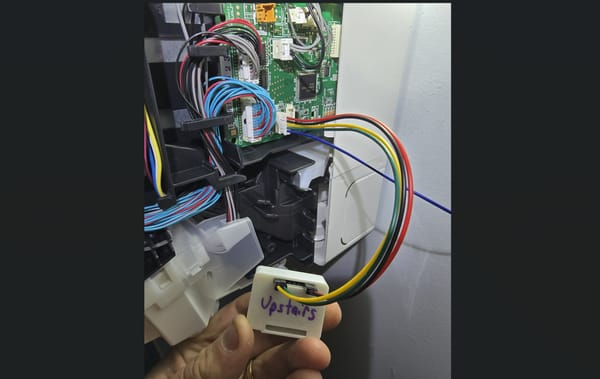
Basically, I setup a home assistant automation that takes the wood stove flue temperature value and maps it to a color, then sets a smart bulb to that color. My target light is a Wyze Color Bulb that I took apart, soldered headers on, and flashed with Tasmota. I have full local control of it via HA and it is capable of setting any color and brightness. These are great, cheap, bright lights and I've been using them for years in our last two homes. They're also based on an ESP32!
Home Assistant has a couple of formats to set color on light bulbs - you can send RGBW/RGBWW or Hue/Sat.
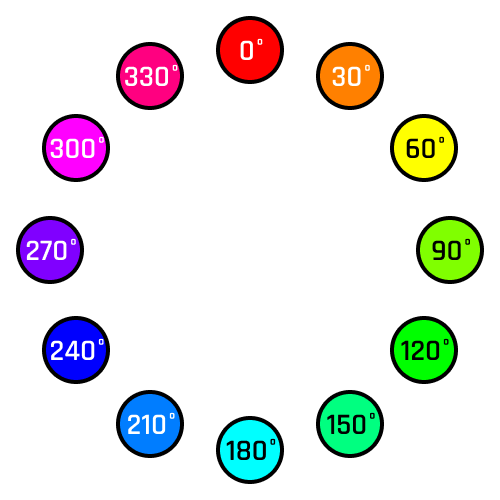
Rather conveniently, the hue/sat color wheel maps well to logical temperatures. Starting from the west side and working your way around to north, it transitions from blue to green to yellow/orange/red. Logically, hue value 240 = blue = very cold, 120 = green = target temperature, 0 = red = very hot. I chose to keep saturation at 100% to get the boldest colors/edge of this wheel as depicted in the picture below.
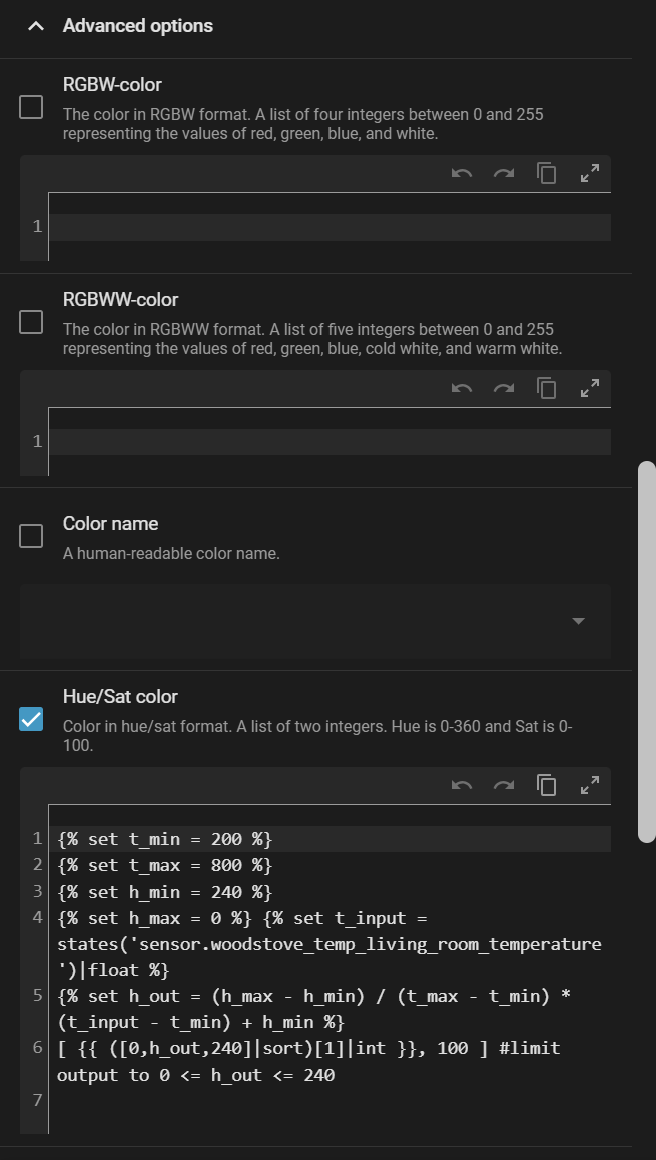
As automations go, this is a pretty simple one. The trigger is any state change in the wood stove temperature reading. My ESP8266 reads the stove pipe thermocouple value once every 30s. I have a condition that the stove temperature is above 100F (and a separate automation that shuts the light off if below 100F, so I don't have a colorful corner light when the stove is off). To actually set the color, I shamelessly stole some code from the comments on this post in the HA forums. T_min and t_max are minimum and maximum temperatures. H_min is the color hue at the minimum temperature (HS color wheel value, 240 for blue) and H_max is the color hue at the maximum temperature (0 for red). T_input is set to my stove sensor, and h_out is a simple linear interpolation with 200F input = 240/blue hue, 800F input = 0/red hue.
alias: Woodstove Temperature -Indicator - Landing Light
description: ""
triggers:
  - trigger: state
    entity_id:
      - sensor.woodstove_temp_living_room_temperature
conditions:
  - condition: numeric_state
    entity_id: sensor.woodstove_temp_living_room_temperature
    above: 100
actions:
  - action: light.turn_on
    metadata: {}
    data:
      hs_color: >
        {% set t_min = 200 %}

        {% set t_max = 800 %}

        {% set h_min = 240 %}

        {% set h_max = 0 %} {% set t_input =
        states('sensor.woodstove_temp_living_room_temperature')|float %}

        {% set h_out = (h_max - h_min) / (t_max - t_min) * (t_input - t_min) +
        h_min %}

        [ {{ ([0,h_out,240]|sort)[1]|int }}, 100 ] #limit output to 0 <= h_out
        <= 240
      brightness: 100
    target:
      entity_id: light.landing
mode: single
Automation yaml
The last bit of this code in the hs_color portion limits the output to between h_min and h_max, ensuring you only ever get blue to red values.
Brightness is on a scale of 0-255. I chose to set it at 100 - this is bright enough to see but not bright enough to be obnoxious and affect the overall hue of the room.
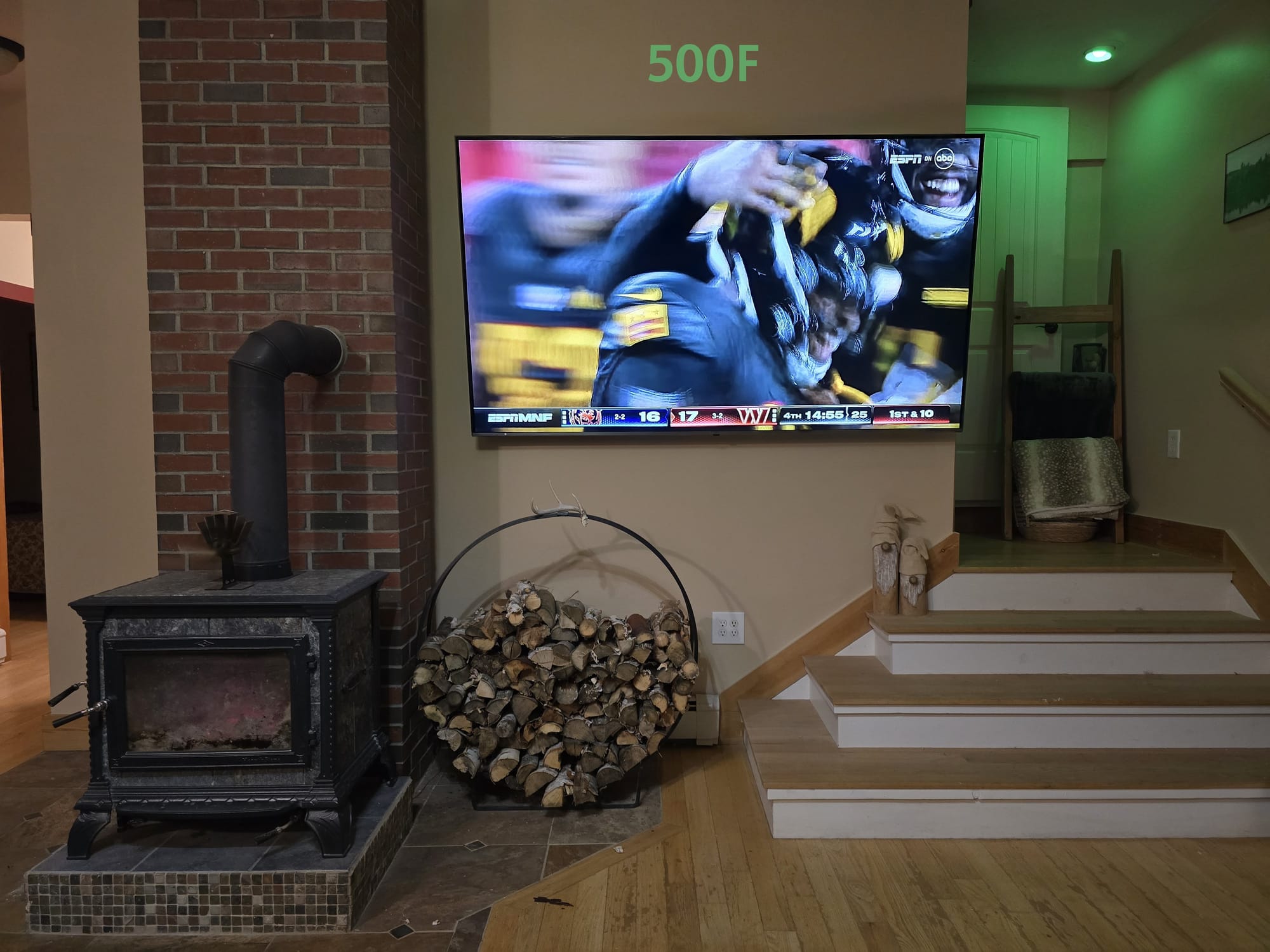
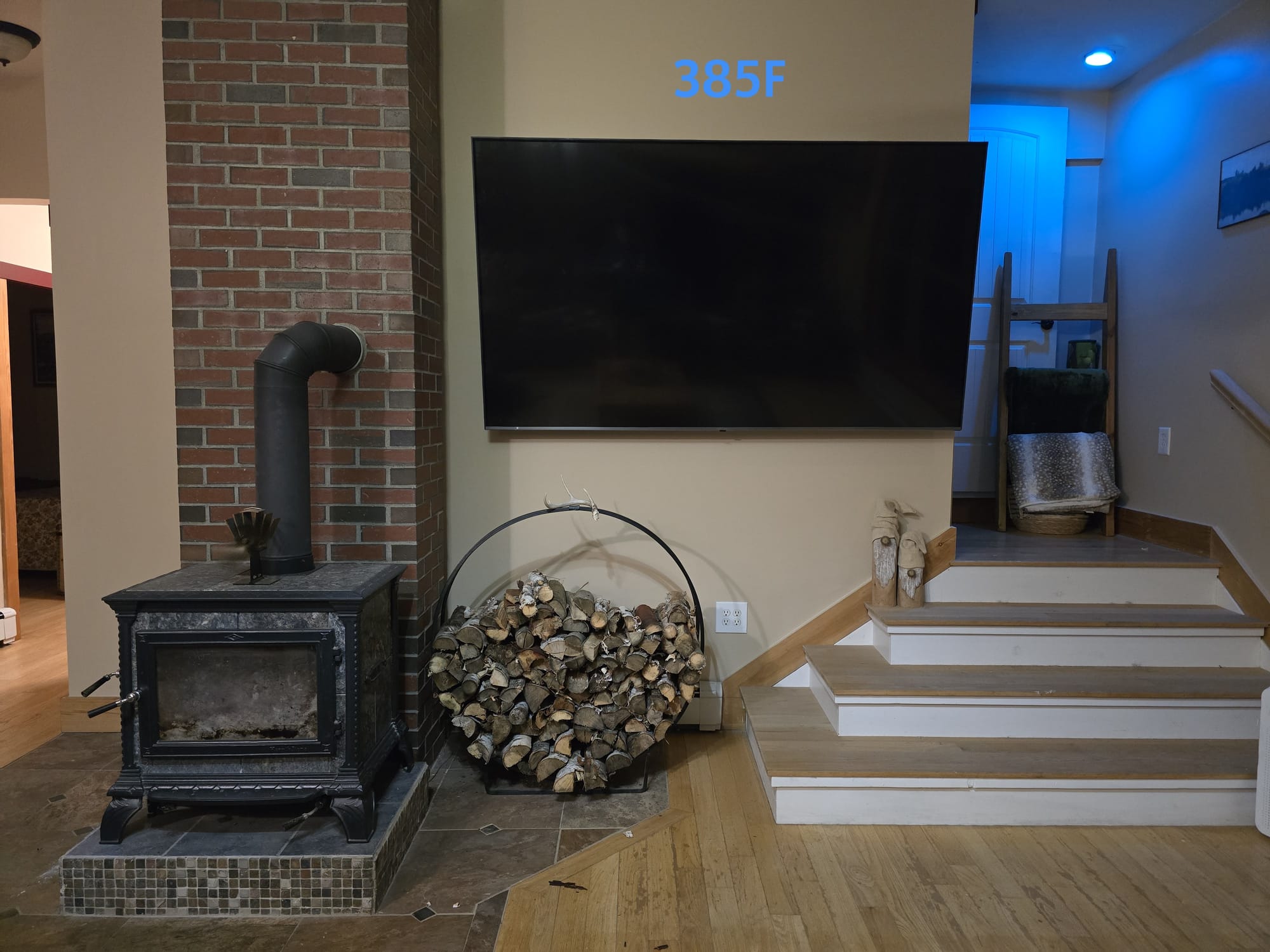
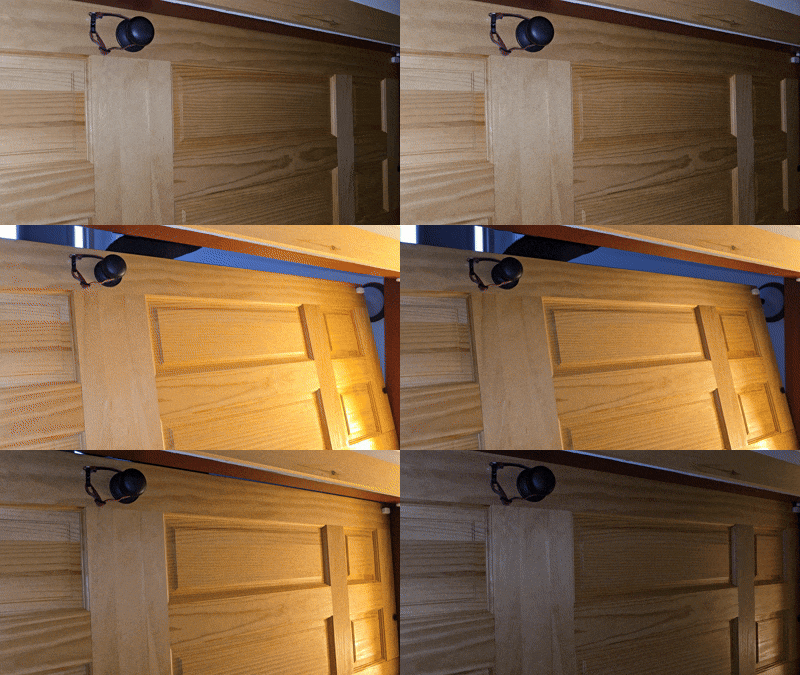
Since the hue value updates every 30s, the light adjusts very gradually and doesn't catch your eye with large step changes. Here are some example shots from a several hour burn this evening.