DIY Ambilight with WLED + Hyperion + LG TV

I was always really intrigued by the Phillips Ambilight TV lineup - this product included embedded LEDs on the back of the TV that mirrored the colors of the TV on the screen onto the wall behind it, creating a more immersive viewing experience. Phillips has discontinued the original ambilight line (and I'm not sure they were even available in the US?). Similar effects can be accomplished with things like the Phillips Hue Play HDMI Sync box and some Phillips Hue lightstrips, but you're looking at $500 for the box and set of lights for a 55" TV.
Fortunately, there are much cheaper and more robust alternatives! I ran across the Hyperion project open source software to accomplish effectively the same thing. It supports a variety of ways to acquire the image from your TV (USB capture, android TV grabber apps, etc) and even more ways to output to LEDs mounted on the back of your TV (including Hue, WLED, and serial output to addressable strips, etc).
I already have a large virtual host and spun up a debian VM + installed hyperion per their documentation.

For this project, I also acquired the following hardware....
- ESP8266 microcontroller to run WLED
- WS2812B Individually addressable RGB LED Strips
- LED Male/Female connectors
- Mean well 5V 10A power supply
First, I mounted the strips on the back of the TV. I cut the strips to length and mounted 1 on each of the 4 sides of the TV. I used some solid core wire and solder to connect the positive, negative, and data pins between each of the 4 strips. I also ran additional cable to the furthest points from the female/male connectors in order to inject power and avoid voltage sag/dim lights at the end of the strip. There's an incredibly detailed article I loosely followed about designing LED strips power/wiring here. At the lower left corner, I mounted the female end of the connector. I soldered wire to the male pigtail and ran it a few feet to the meanwell supply + microcontroller setup.

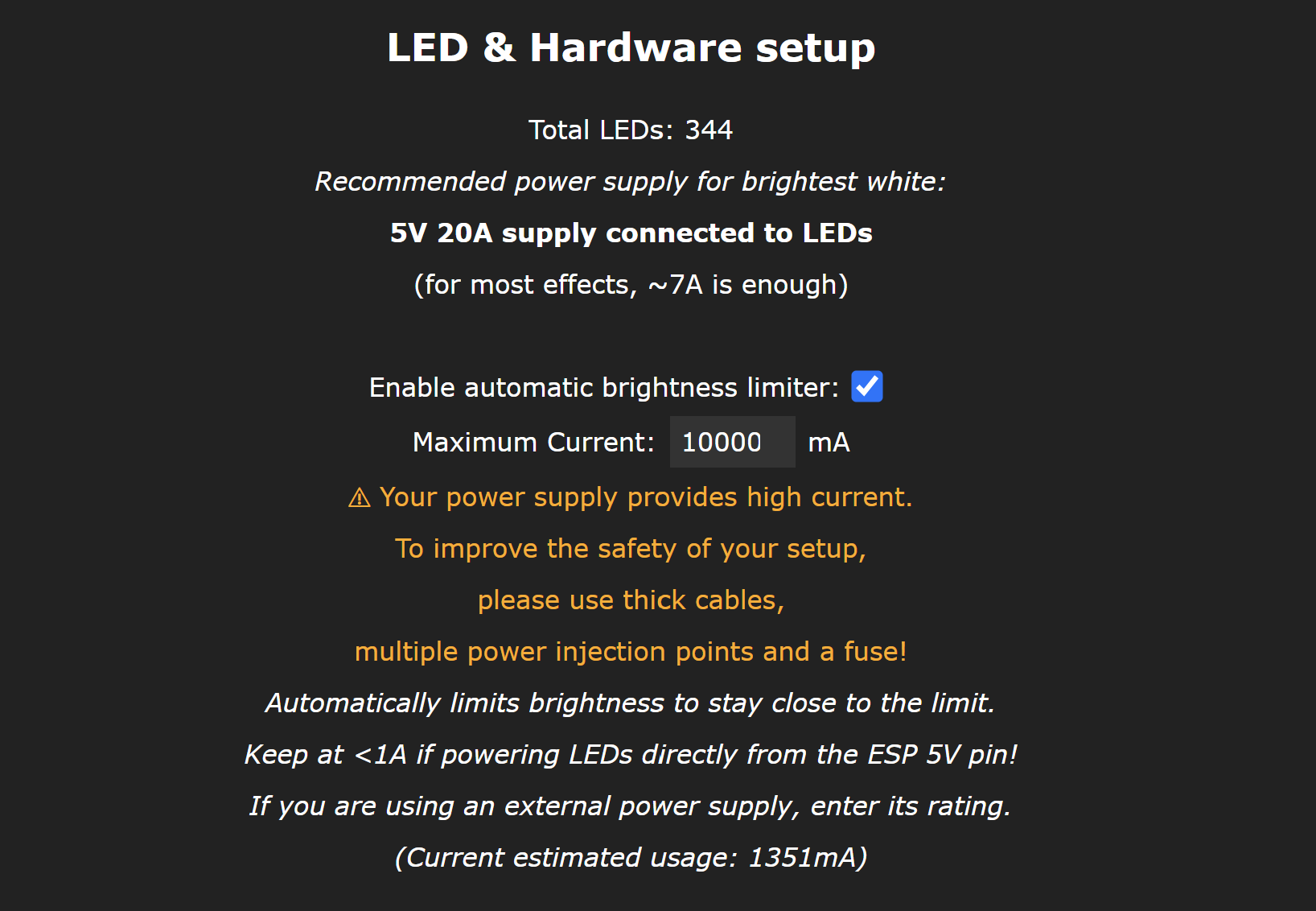
My strips ended up containing 344 LEDs - they consume between 30mA and 60mA per LED, so a maximum consumption of between 10 and 20A at full brightness. I chose a 10A 5V supply - in reality, as am ambient light behind the TV, these will never be at full white brightness. Additionally, WLED firmware has the ability to limit current to the LED strips to match your supply capability. Estimated power usage from the WLED web interface with the strips in use is generally under 2A.
To control the LED strips, I landed an ESP8266 on a small breadboard. I followed a guide similar to this one and this one, using the 5V supply to power the ESP8266 and LED strip in parallel (important to not push all the current required for the strips through the ESP8266 board). I used a 470hm resistor between the ESP8266 data pin and WLED data pin and added a small capacitor to buffer the power lines. The first link above covers flashing WLED - I used the esphome flasher and got the WLED instance on my home network.

With hyperion installed and accessible and WLED ready to receive commands, I had one last piece to figure out - the screen grabber. This sends whatever is currently on the screen to hyperion so it can figure out what to do with the LEDs. I use an Nvidia Shield for almost everything TV related, as it supports many codecs and plays nicely with my plex library. The Shield runs android TV and I believe could run hyperion android grabber, but android TV blocks screen recording/grabber apps for DRM content (netflix, other streaming platforms). As this is a significant amount of what we watch, that was a no go. I didn't really want to put any sort of dedicated hardware grabber in either.
My LG TV runs webOS and I had rooted it awhile back using RootMyTV. Unfortunately, it appears as thought this exploit has been patched, so it may be significantly more difficult to root today than it was back last year when I did it. I found this webos homebrew app called "PicCap" that can act as a hyperion screen grabber. WebOS has similar DRM protections built in, but it also has no concept of DRM content on an HDMI input, like my Nvidia shield. This was the perfect solution - I always use the shield to stream things, so capturing via webOS left both systems in the dark DRM wise, allowing me to always capture/send to hyperion all content on the TV.

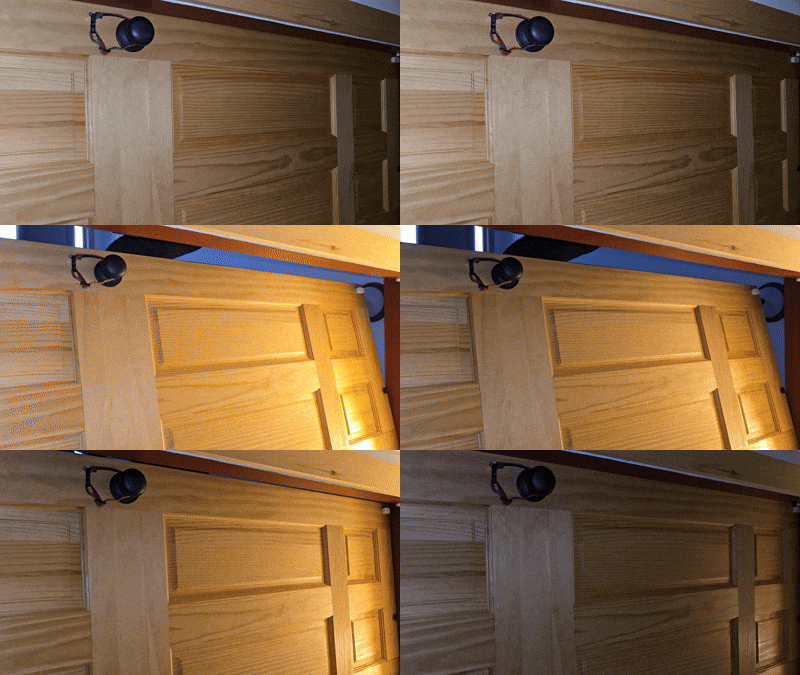
I went through the initial hyperion config to map the LEDs to their position relative to my TV. I setup Piccap to send to my hyperion instance and pointed hyperion at my WLED instance, all of which was simple through the hyperion web interface. The final result:

I've got some cable management and a 3d case to print to make it all permanent but am happy with its function, especially at less that 20% of the price of the best commercial offerings (and with way more LEDs!).