Bathroom Automation with the Aqara Presence Sensor
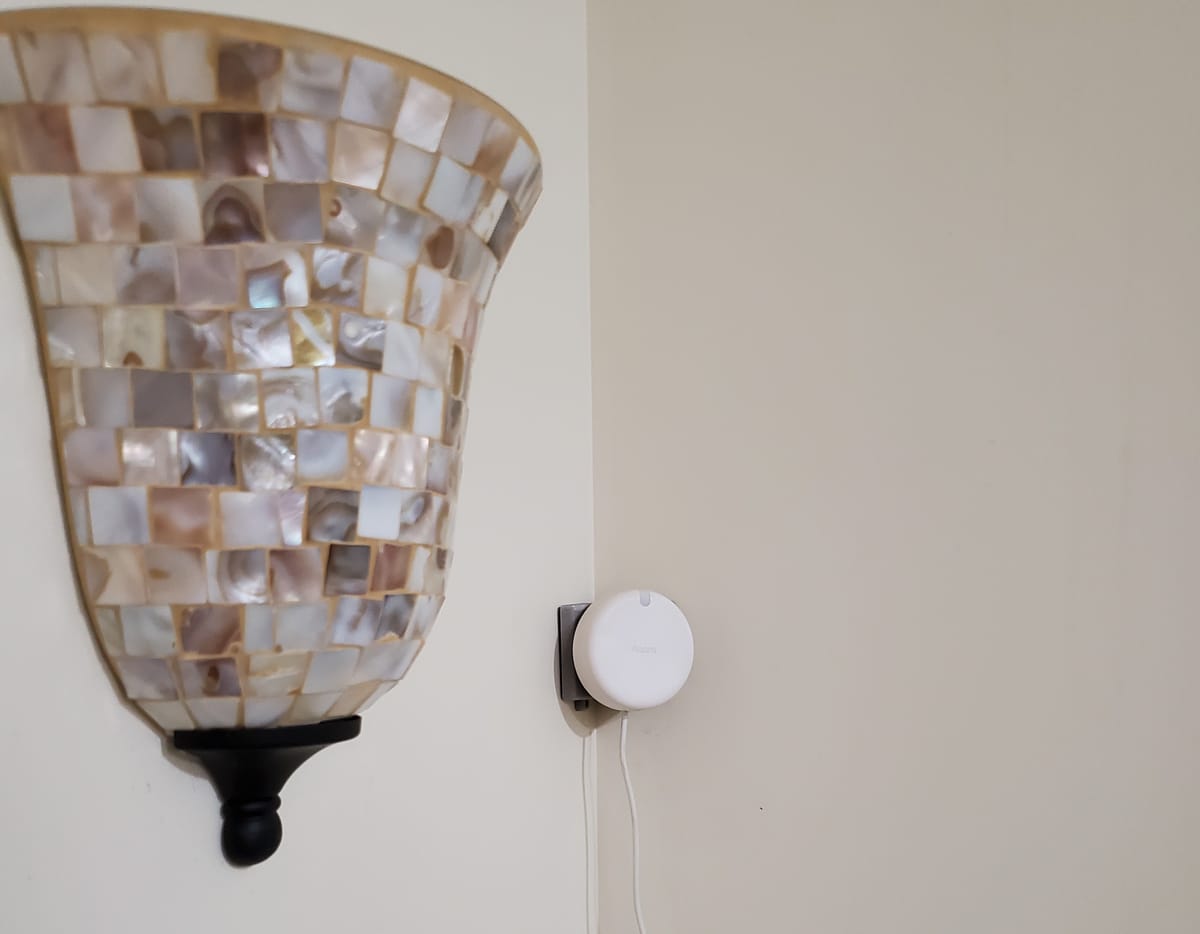
I haven't touched a switch of any kind in my bathroom for months, it feels like magic, and it's all thanks to the Aqara FP2.
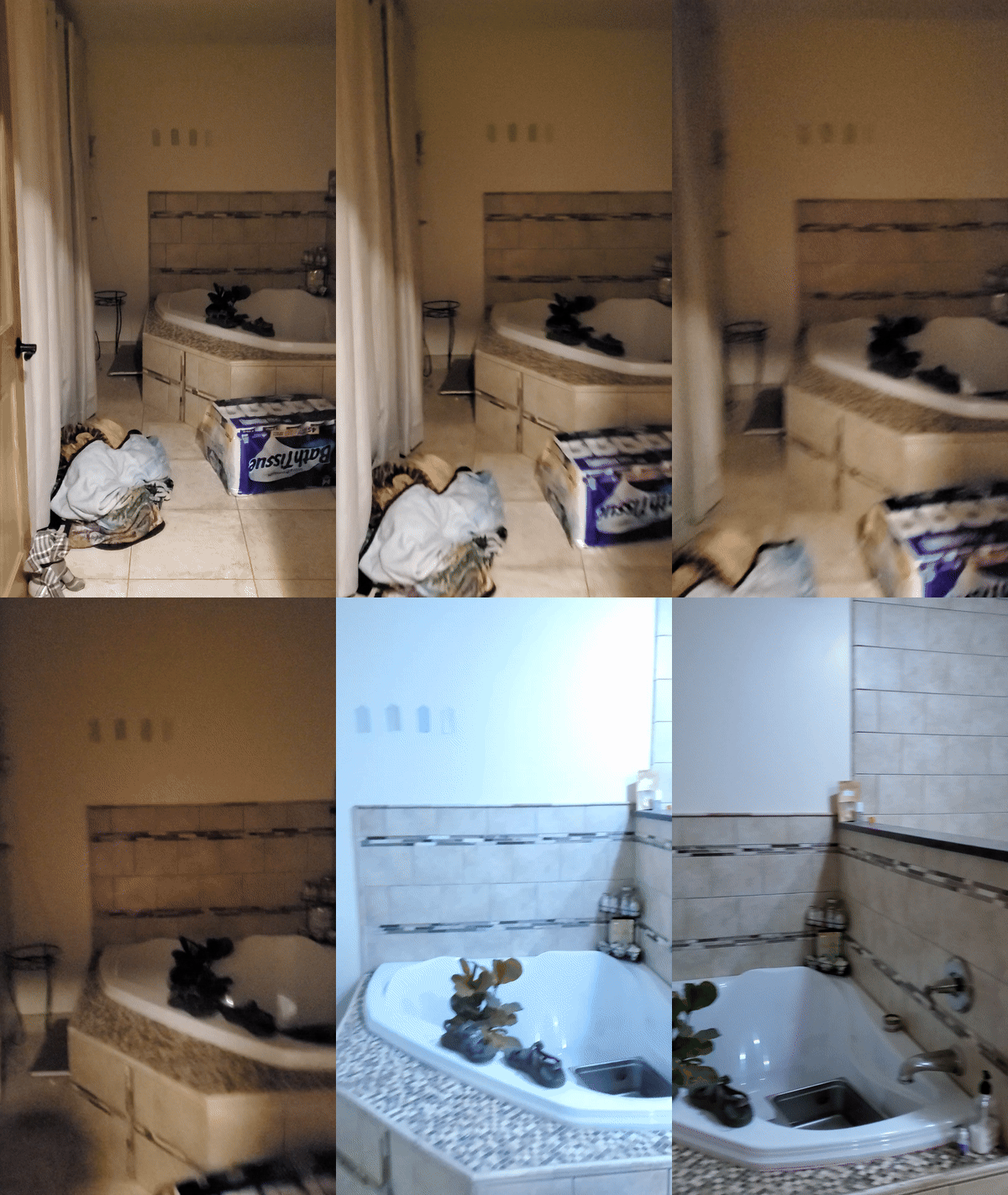
I've tried to setup some presence based home assistant automations in the past using PIR motion sensors, but they're really only good at detecting somewhat significant motion in a narrow region. To try and determine if someone was in a room, I had setup a pair of PIR sensors on either side of the entrance of the room. With some home assistant logic, I tried using these two sensors to tell if someone was entering ("outside" sensor, then "inside" sensor triggered) or leaving the room ("inside" then "outside"). This wasn't very reliable and completely failed on rooms with multiple ingress and egress points.
Enter mmwave radar sensors - as the name suggests, these use radar to sense motion in a room. Unlike PIR sensors, they have the ability to sense motion in much larger areas and are sensitive enough to pick up motion as subtle as a person breathing, making them extremely effective at determining room presence.
The master bathroom was the perfect place to put one of these to use. It is one of the few rooms where I always want lights on when someone is present and always want lights off if someone is not present. It is also one of the few rooms where another simple use case is available - the vent fan! If the shower is on, I always want the fan on. In one of our previous homes, I had installed a esphome based flow meter between my shower head and the stub out, turning the fan on whenever water flow was detected. This worked great but required running wires across the wall and looked fairly janky. With the Aqara FP2, I could replace 3 sensors (2 PIR and the water flow) with 1.
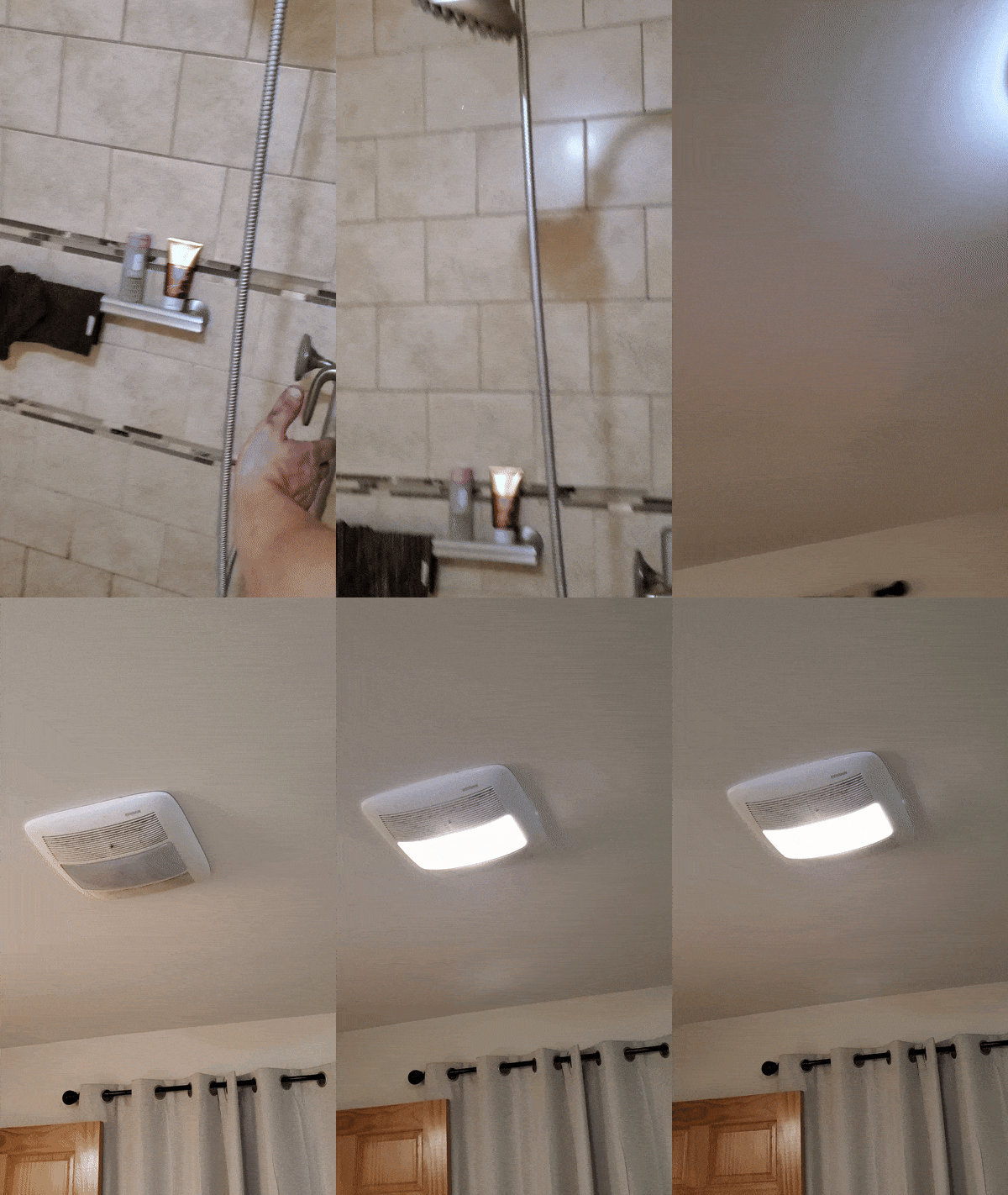
I'm a big fan of open source and esphome based hardware. Aqara isn't the only mmwave radar sensor in the game, and in fact there are esphome based ones like the Everything One. There's a lot to like about some of these cheaper and more open sensors, but the Aqara FP2 has one killer software feature that sets it apart from all others: zones. With a single prescence sensor, you can partition your room in to multiple motion zones and take action on each individual zone.
I found the optimal location to mount the aqara was in the corner. It looks like you can mount it flat on a wall and then bend it out to cover the room, but the sensor has to be oriented with the light/label up and down. To actually mount it in the corner, I found and 3d printed this corner wall bracket. I chose about chest height, just higher than my half wall between the shower and the rest of the room, to reduce false positives caused by pets and also so that the sensor can pickup the motion of water coming from the shower head/someone standing in the shower.
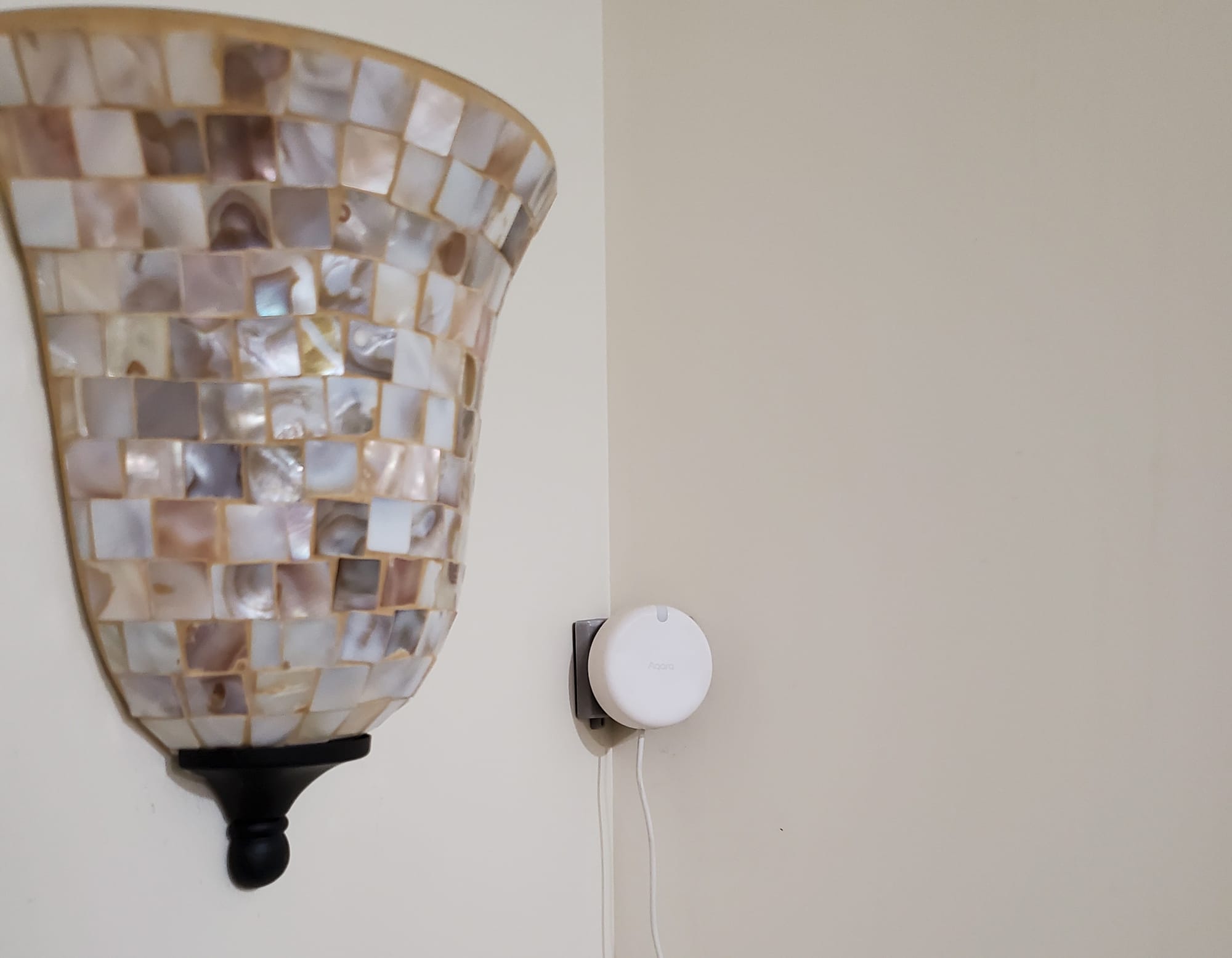
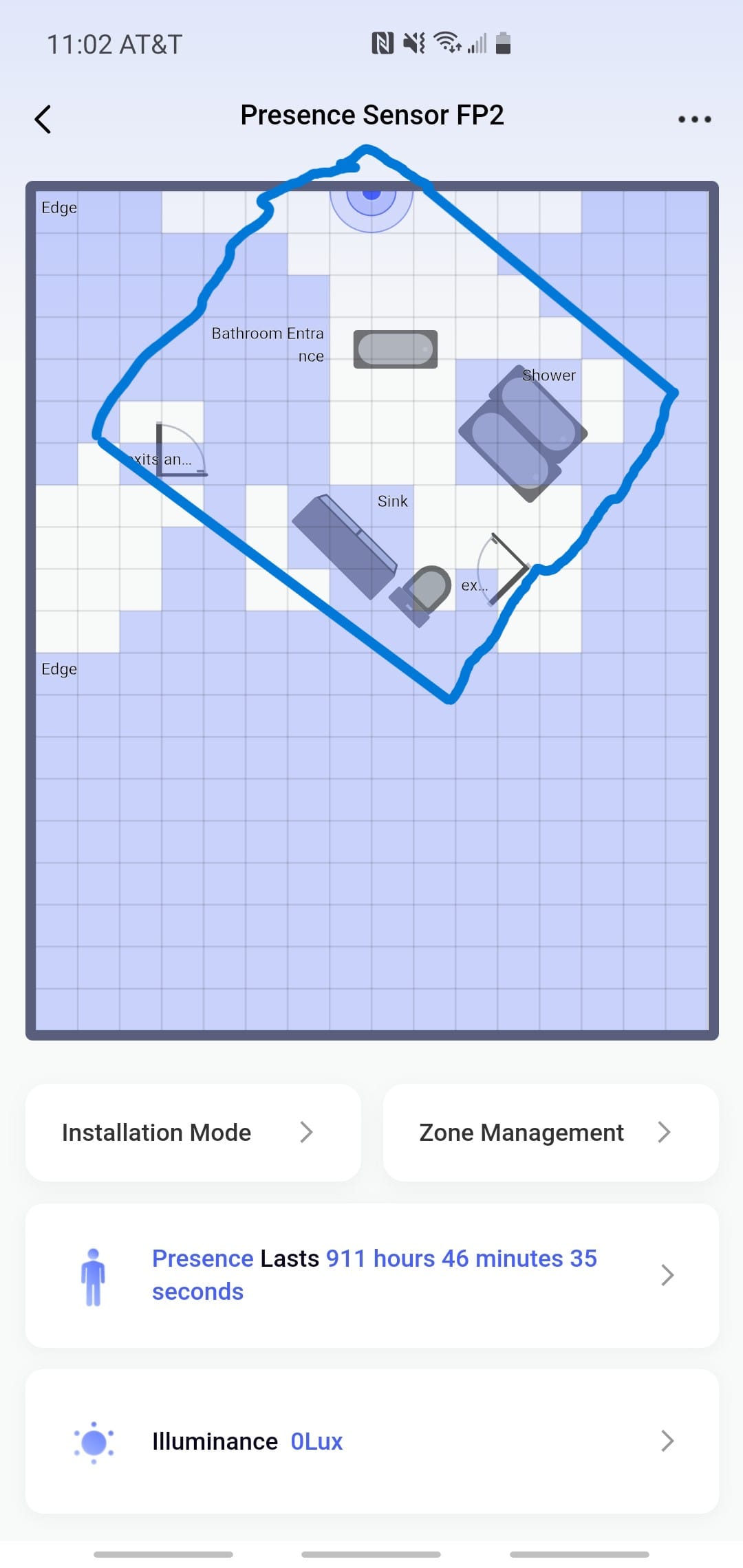
Next, I setup the app and joined the FP2 to my IOT Vlan. I turned on internet access temporarily for the IOT Vlan for setup. I followed this incredibly detailed guide for setting up my room in the app. After everything was configured, I setup 3 zones - bathroom entrance, sink, and shower. In the image below, I've roughly sketched the outlines of my room to illustrate the sensor's positioning in the corner. After initial setup, the Aqara doesn't require internet access at all, so I isolated my IOT vlan once again and only allowed home assistant to query it.
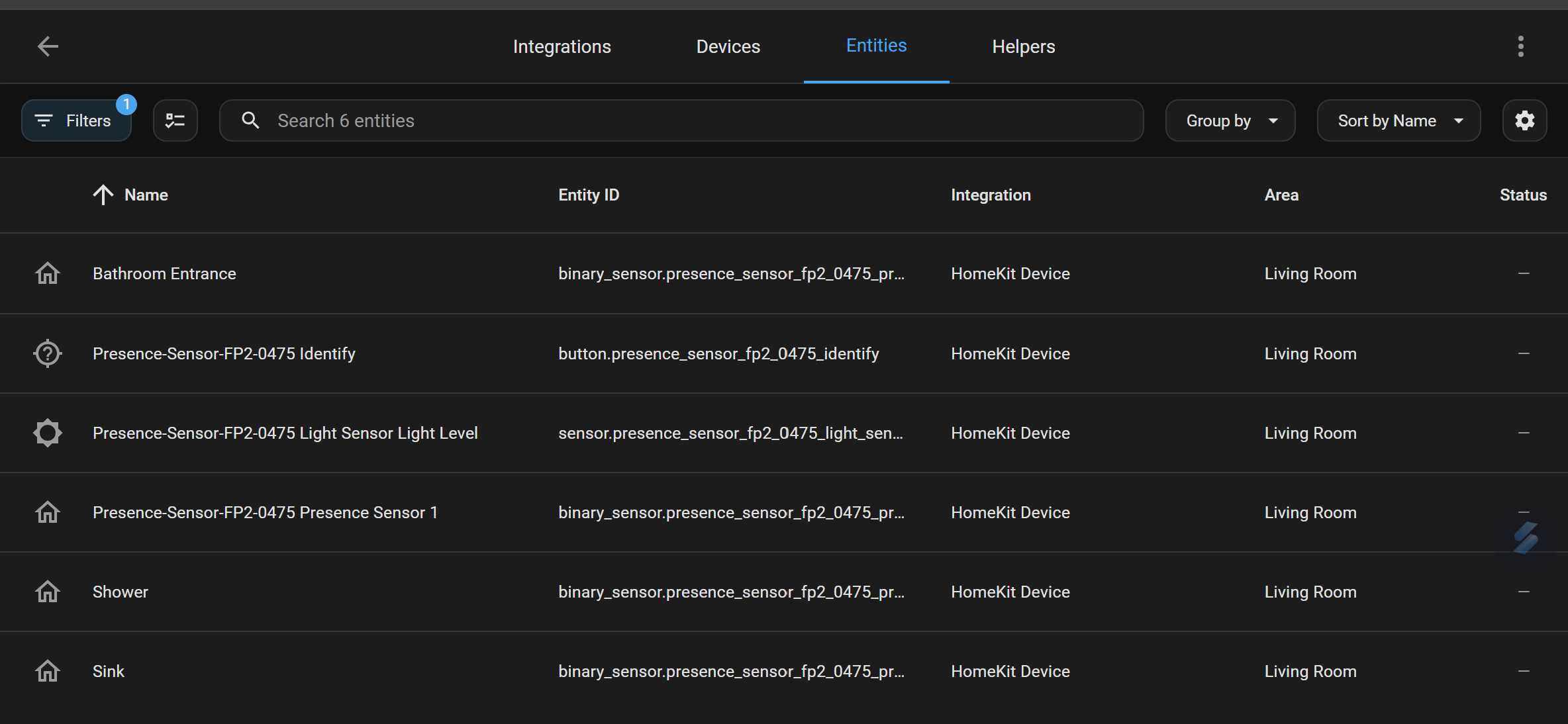
I used the homekit home assistant integration to add the Aqara. Each zone exposed itself as a binary sensor (with states "detected" or "clear") with generic descriptions/names. I stood in each one and saw which binary sensor triggered and then renamed them to be human readable.
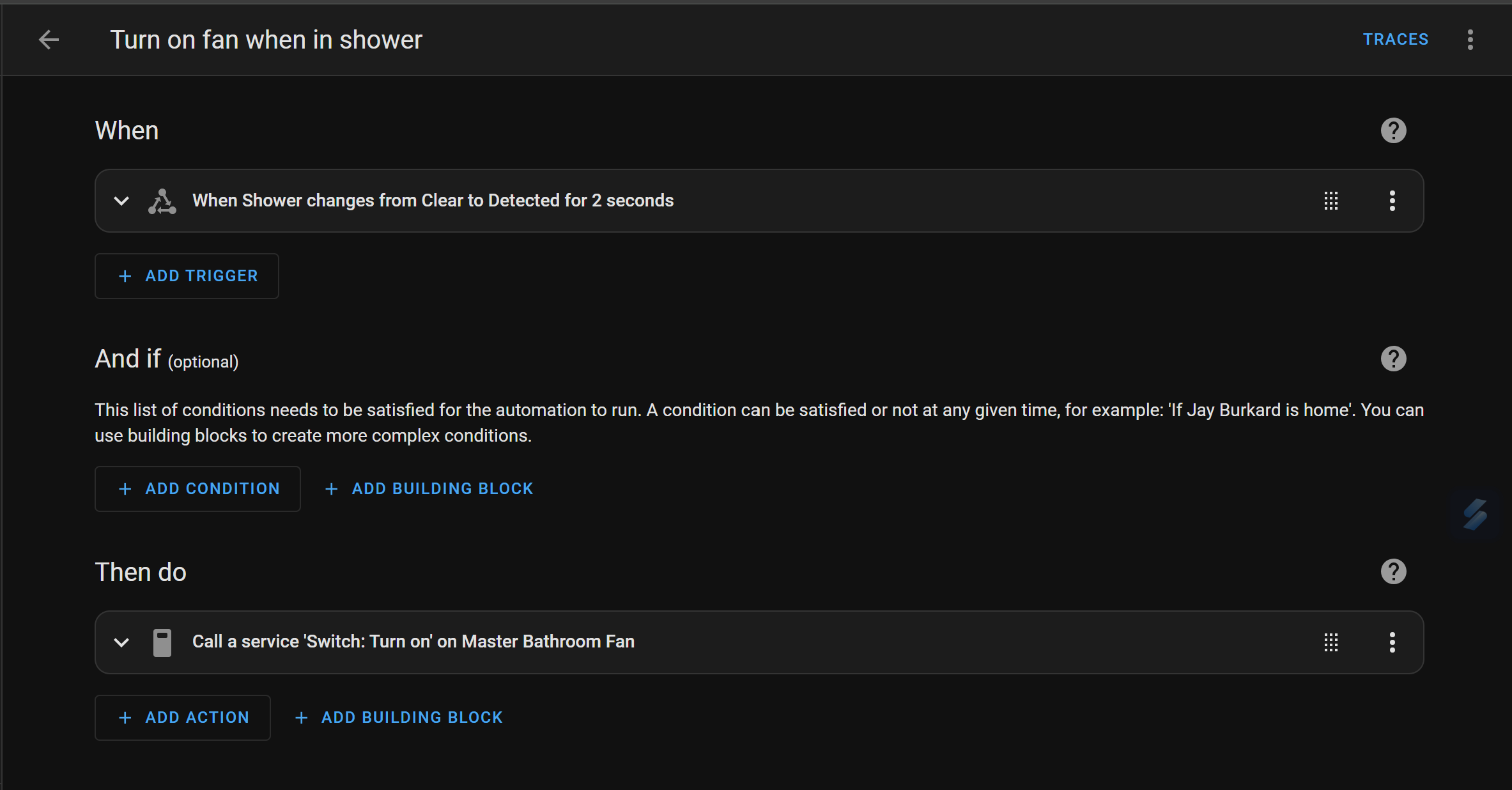
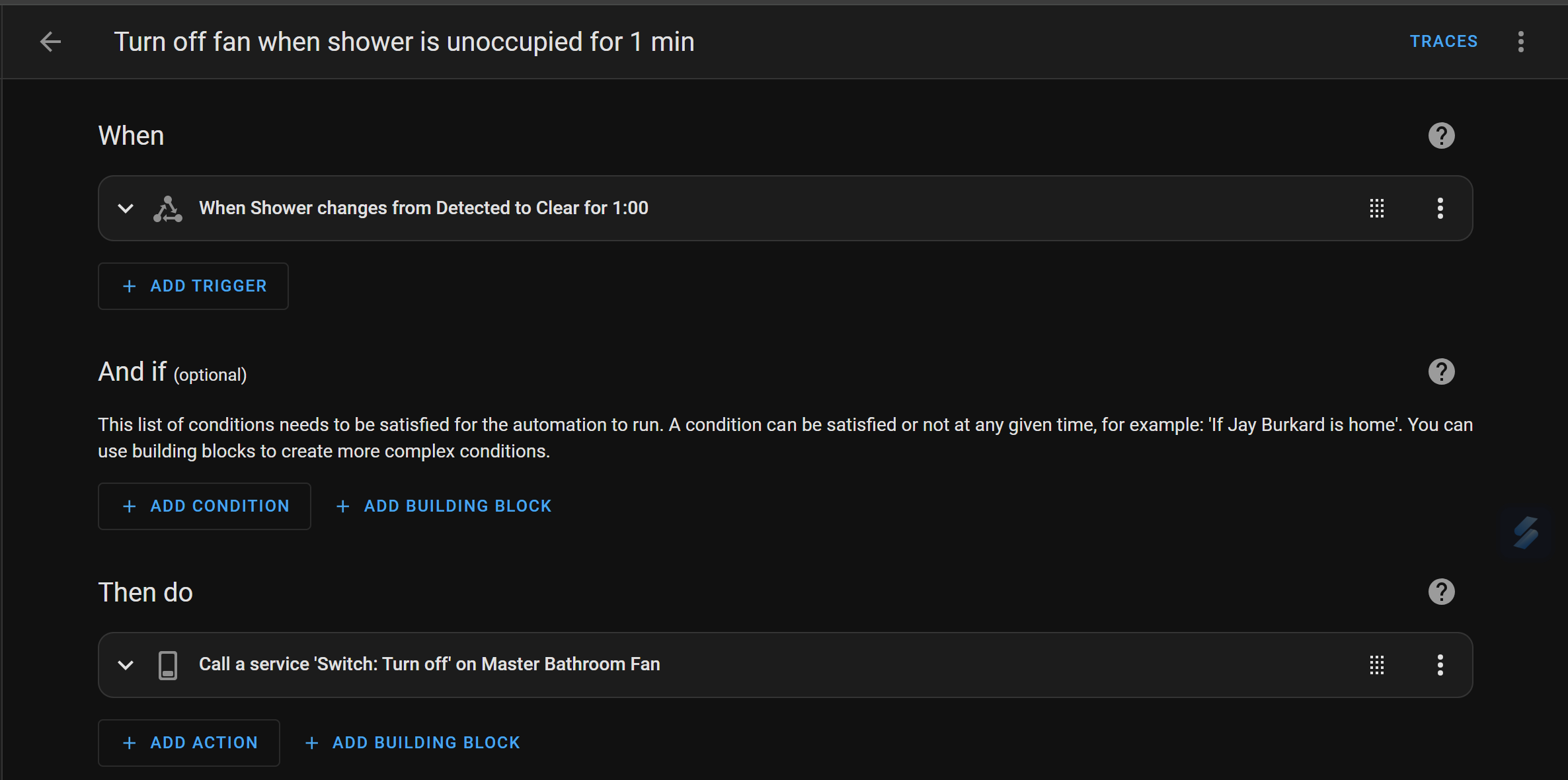
I then used these binary sensors to setup pairs of automations for all 3 zones. The shower automation is pretty simple and stands by itself - when motion is detected in the shower zone, the vent fan, on a TPLink Kasa switch, turns on. 1 minute after motion ceases, the vent fan turns off. I chose 1 minute to give the fan a chance to evacuate some humidity, but the aqara is more than capable of near instant cut off.
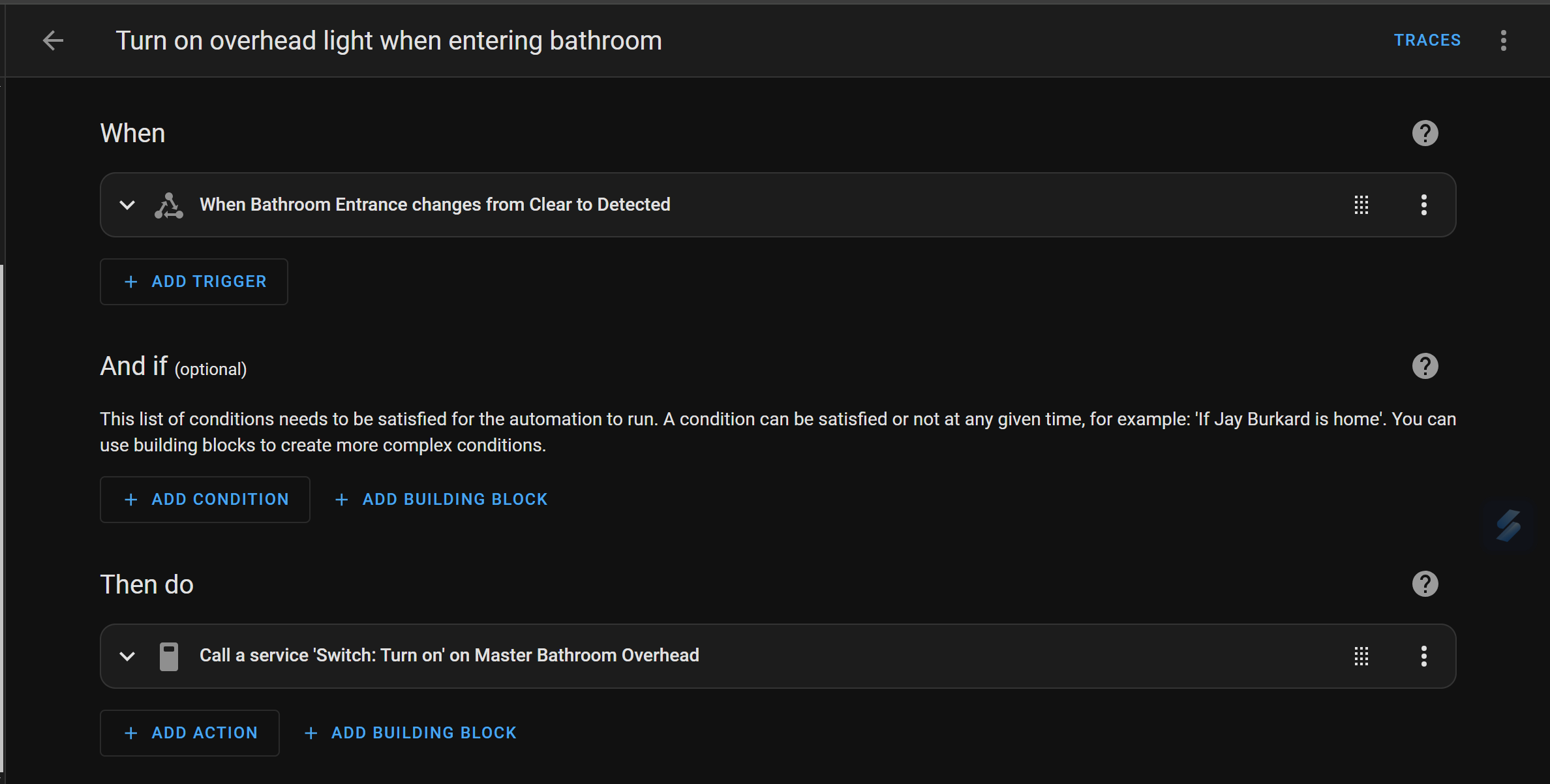
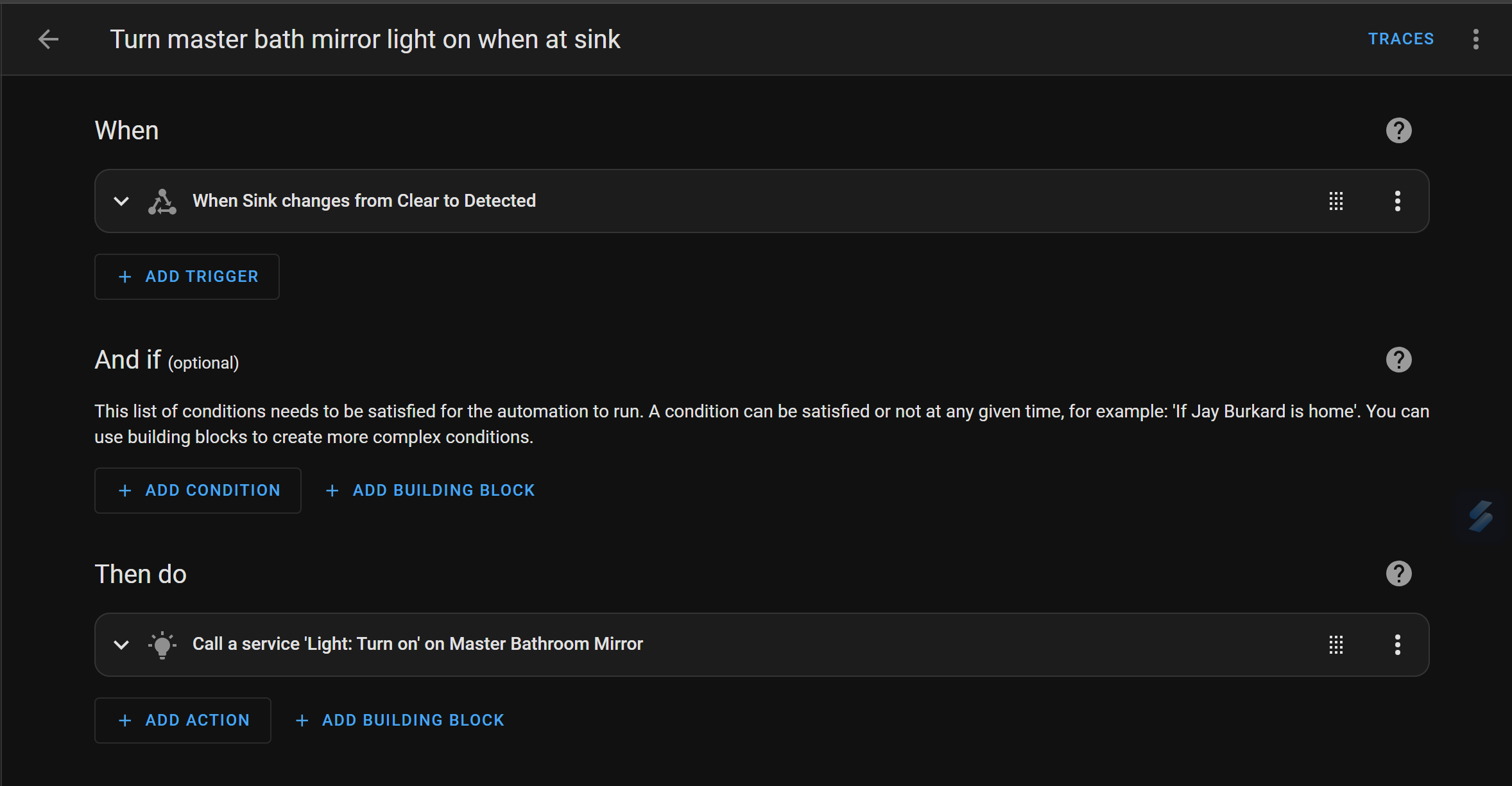
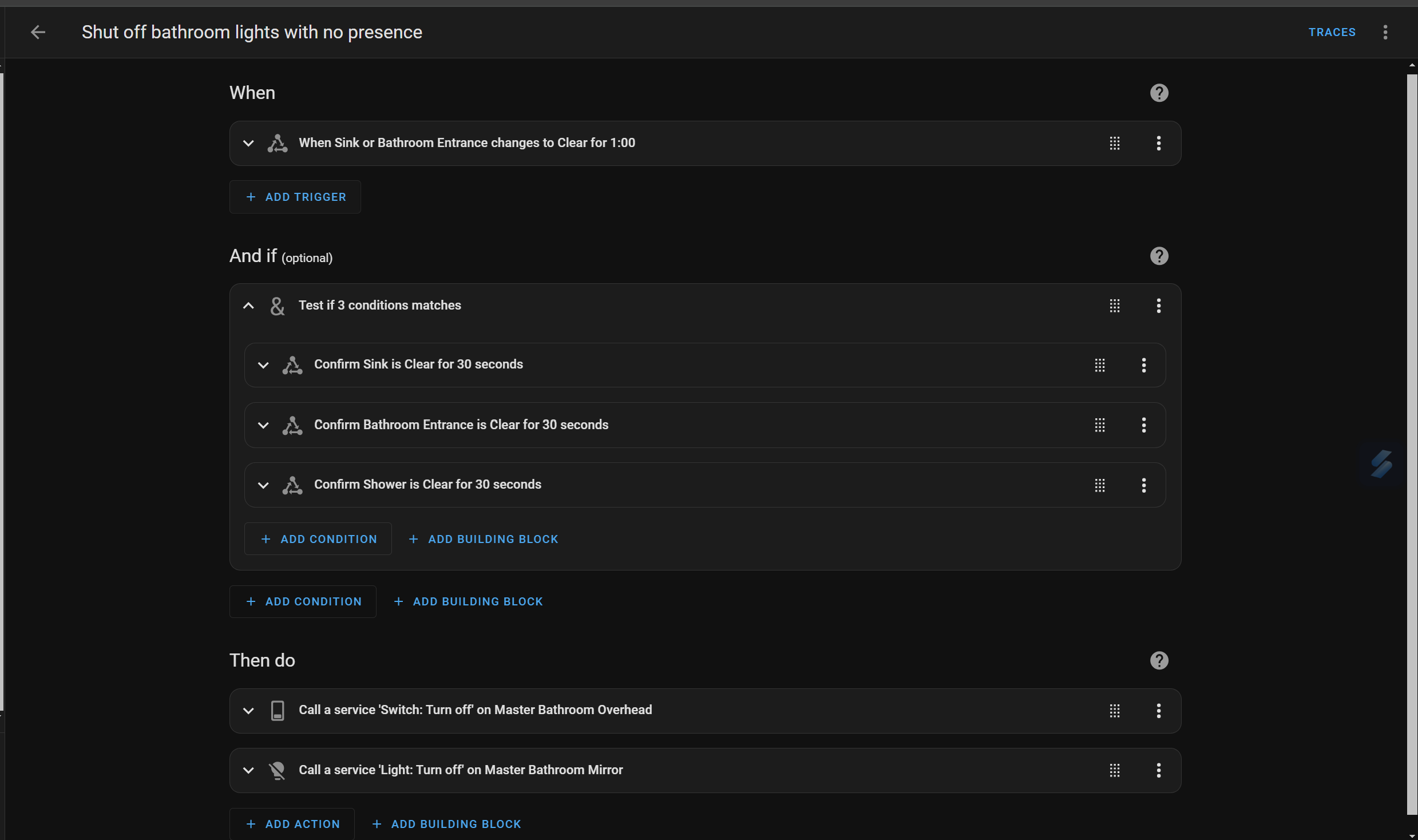
The next couple of automations are still very simple, but took some tweaking to get perfect. The primary overhead lights turn on as soon as motion is detected in the bathroom entrance zone. I have a set of tasmota-flashed Wyze color bulbs in the fixture over my sink. I have a second automation that turns these lights on as soon as you get to the sink. Finally, to shut them off, I trigger the automation when either the sink or bathroom entrance changes to "clear", but conditionally check that all 3 zones have been clear for at least the last 30 seconds. This ensures the lights only go off when there is no one in the room, and not necessarily when just one zone is empty. I only shut off the sink and entrance light with this automation because the fan has it's own dedicated on/off automation.
Overall the Aqara has been rock solid for months, reconnecting to wifi after power outages and always reacting quickly. I'm looking forward to leveraging additional FP2s for more complex automations in other areas of our home.